
SEQ PLN - Operation
Containing Description, Operational Procedures and Submenus of the scope called SEQ PLN...
1. General Overview
Used by: EKCH_DEL, EKCH_B_GND
General Design
Column 1 (ARR) | Column 2 (STARTUP) | Column 3 (PD+PUSH) | Column 4 (PLANNED DEP) | |
MESSAGES | STARTUP | SAS1 | NORWEGIAN1 | |
FINAL2 (Passive) | OTHERS1 | |||
PUSHBACK3 | ||||
RWY ARR2 (Passive) | ||||
TWY ARR2 (Passive) | TWY DEP2 (Passive) | |||
TASK BAR | ||||
1: PLANNED Departures and providing ATC Clearance is covered under the CLR DEL chapter.
2: Passive bays, for informational purposes only.
3: Pushback is covered under APRON DEP Chapter
LIVE SCOPE EXAMPLE
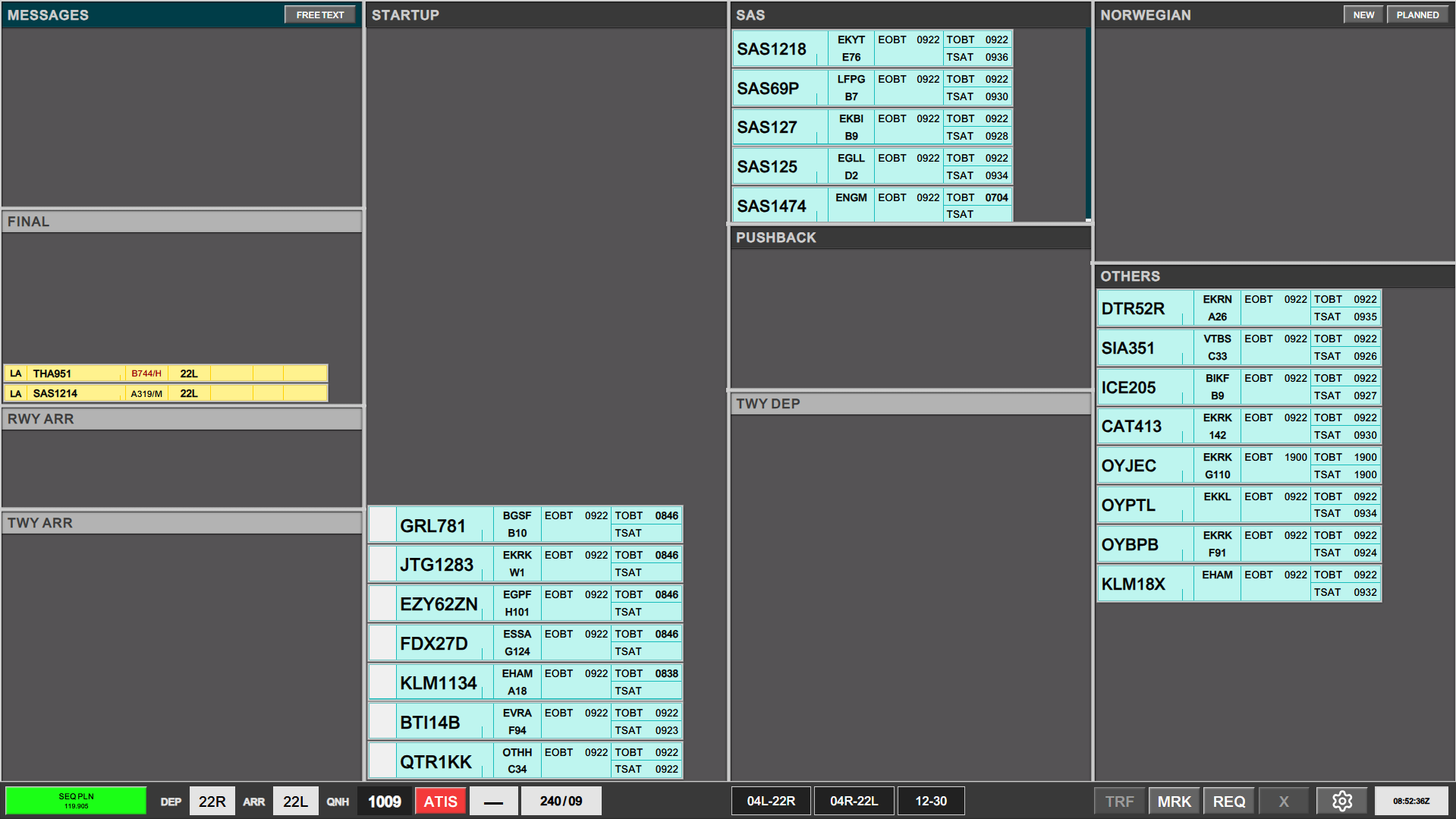
The SEQ PLN Scope is the capacity to spread its AOR to what is required for its needs.
If is equipped to:
- Provide ATC Clearance, making it the primary scope for combined CLR DEL and SEQUENCING
- It can edit the PUSHBACK bay for exceptional circumstances.

2. Managing Start-ups
An aircraft will call up, within the +/-5min window of the TOBT. The TOBT is of no concern to us, only the TSAT.
Aircraft is within the TSAT Startup Window (+/-5min of TSAT), in order for the strip to be able to be transferred to next controller.
Managing CDM can be done either:
- In abbriviated manner using the SEQ PLN Scope (Shown Below)
- In expanded manner using the EST Screen (Shown in Chapter 6)
CDM Operation
CDM operation possible for SEQ PLN in an abbreviated form. You can always use FPL MENU to change timings.
Aircrafts in your STARTUP list will have a possibility of different colors. Using the colors of TOBT, TSAT and CTOT will logically guide you to the correct action.
TOBT >6 minutes in future.
At this stage no colors are apparent. TSAT can never be activated before TOBT. Standard coloring is nothing.
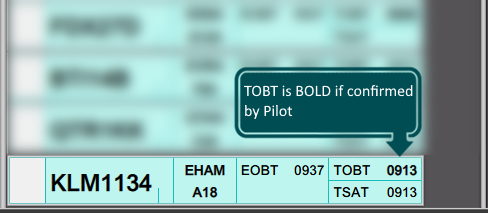
TSAT >5 minutes in future.
When our TSAT window opens, it will be shown with the TSAT turning green. You will notice the TOBT remains uncolored because we really do not care about what the TOBT is at this point. It is all about the TSAT. The aircraft can be transfered
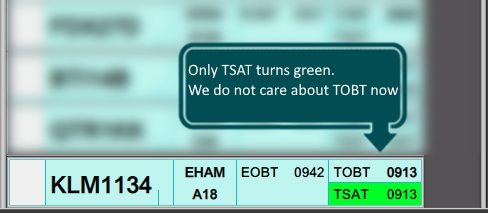
TSAT >4 minutes in the past.
TSAT window is open until 5 minutes after TSAT. Then it closes again. At 4 minutes and later the system warns you that this TSAT is about to expire, so it may be a good idea getting a hold of the pilot. In this cacse the TSAT turns yellow.
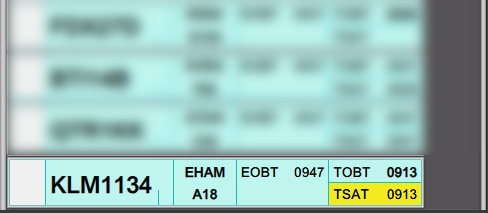
TSAT >6 minutes in the past.
TSAT window closes after TSAT+6, and the aircraft can no longer be approved for startup. What you will see in this case is that:
- TSAT returns to colorless! Why? Because TSAT is no longer important. It does not exist
- TOBT turn RED! Why? Because this is the time that now require action from you or the pilot. A new TOBT must be filed to produce a new TSAT, and the whole thing starts again.
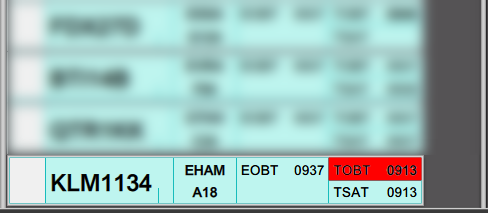
CTOT Present
If a CTOT is present, the CTOT will be displayed in Yellow color at all time. This is to alert you that the TSAT is a result of a CTOT.
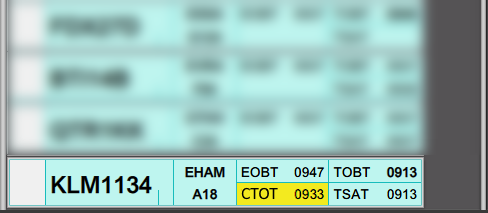
TOBT and TSAT >5 min from eachother
If a CTOT is present, the CTOT will be displayed in Yellow color at all time. This is to alert you that the TSAT is a result of a CTOT.
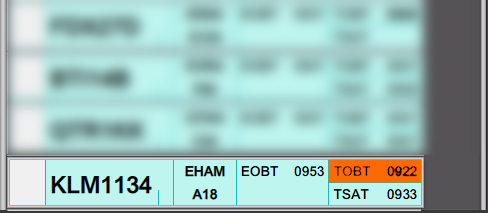
If an aircraft is ready ahead of its TOBT window, clicking on either TOBT or TSAT will reset the TOBT to current time, and send a ready message to the system. This action may or may not result in an improved TSAT.
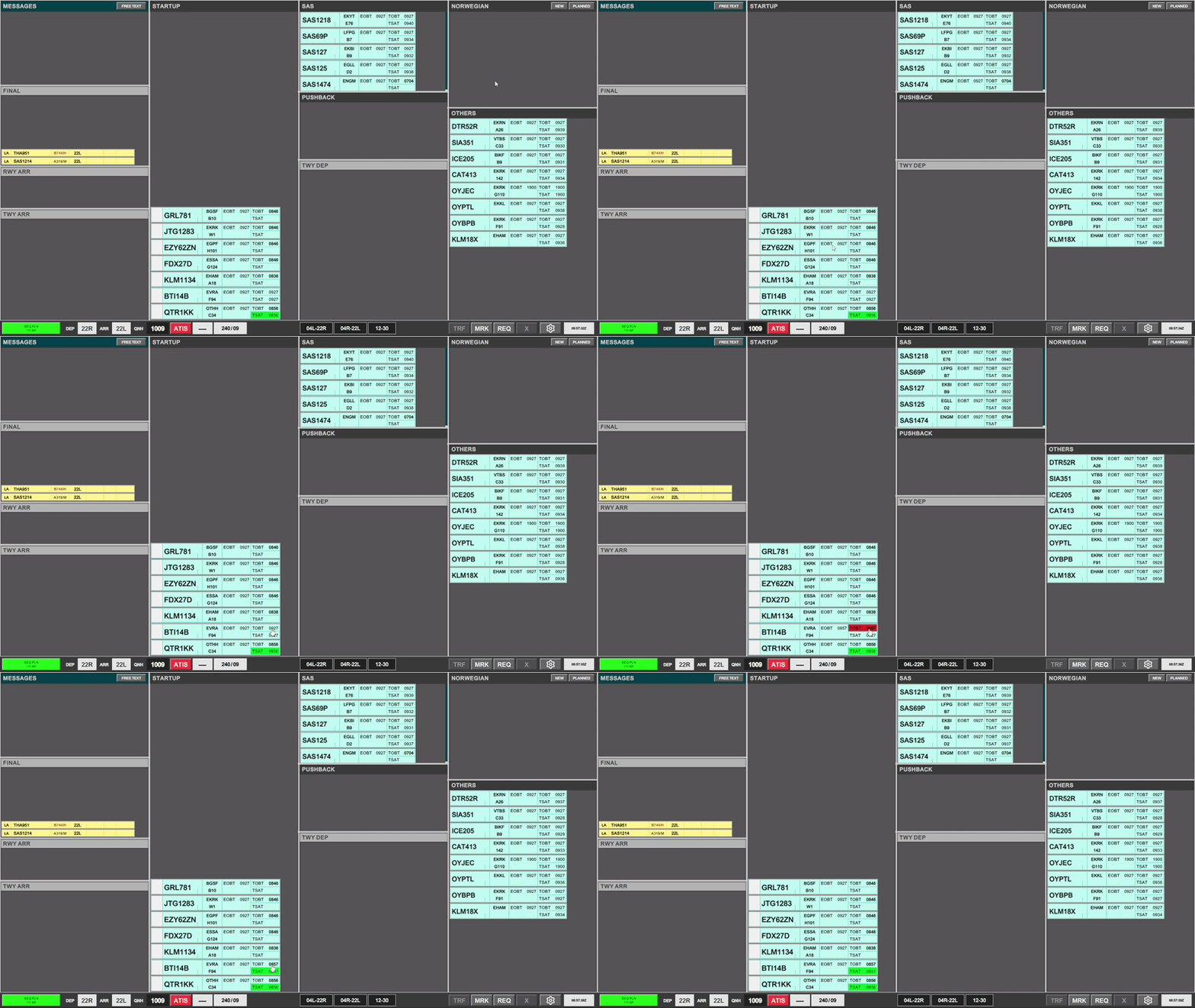
A Strip which is NOT within its TSAT window cannot be transfered, and will result in a Validation Status.
3. Transfer
A strip can be transferred to several entities depending on the parking position. With all areas covered:
- APRON NORTH transfers to AD (Apron Departure)
- APRON WEST transfers to GW (Ground West)
- APRON EAST transfers to GE (Ground East)
- APRON SOUTH transfer to GE (Ground East)
Once start-up is approved a single click on the SI field will initiate transfer to the appropriate controller.