
Introduction & Installation
Welcome to FLIGHTSTRIPS. A program developed by VATSIM-Scandinavia for traffic management, automatic coordination and traffic flow optimization.

1.1 Download
FlightStrips is included with the Danish sector file package.
- There is no installation or download process as the program is web-based.
- There is no action in Plug-ins needed in Euroscope

1.2 Activation
When opening Euroscope the FlightStrips dialogue opens, prompting you to login if not already
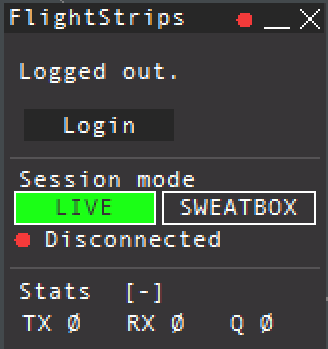
The login is saved for ~30 days, and will only need to be revalidated if not utilized within that time.

1.3 Opening FlightStrips
Once login is complete, you have several options of how to open flightstrips
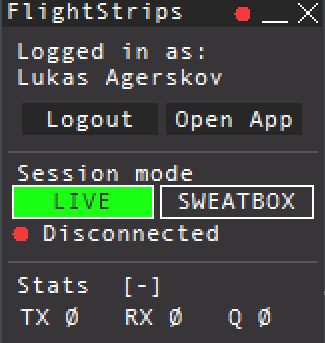
- select “OPEN APP” to open the Flightstrips window.
- Click on the FS app in your Euroscope folder
- Navigate to www.flightstrips.dk/app
If you have not yet logged into Euroscope, the FlightStrips connection will remain in standby
NOTE: You can always click CRTL+R to refresh the app

1.4 APP mode.
With Flightstrip open, you can choose “Open in APP” for the optimal aspect ratio of the program
