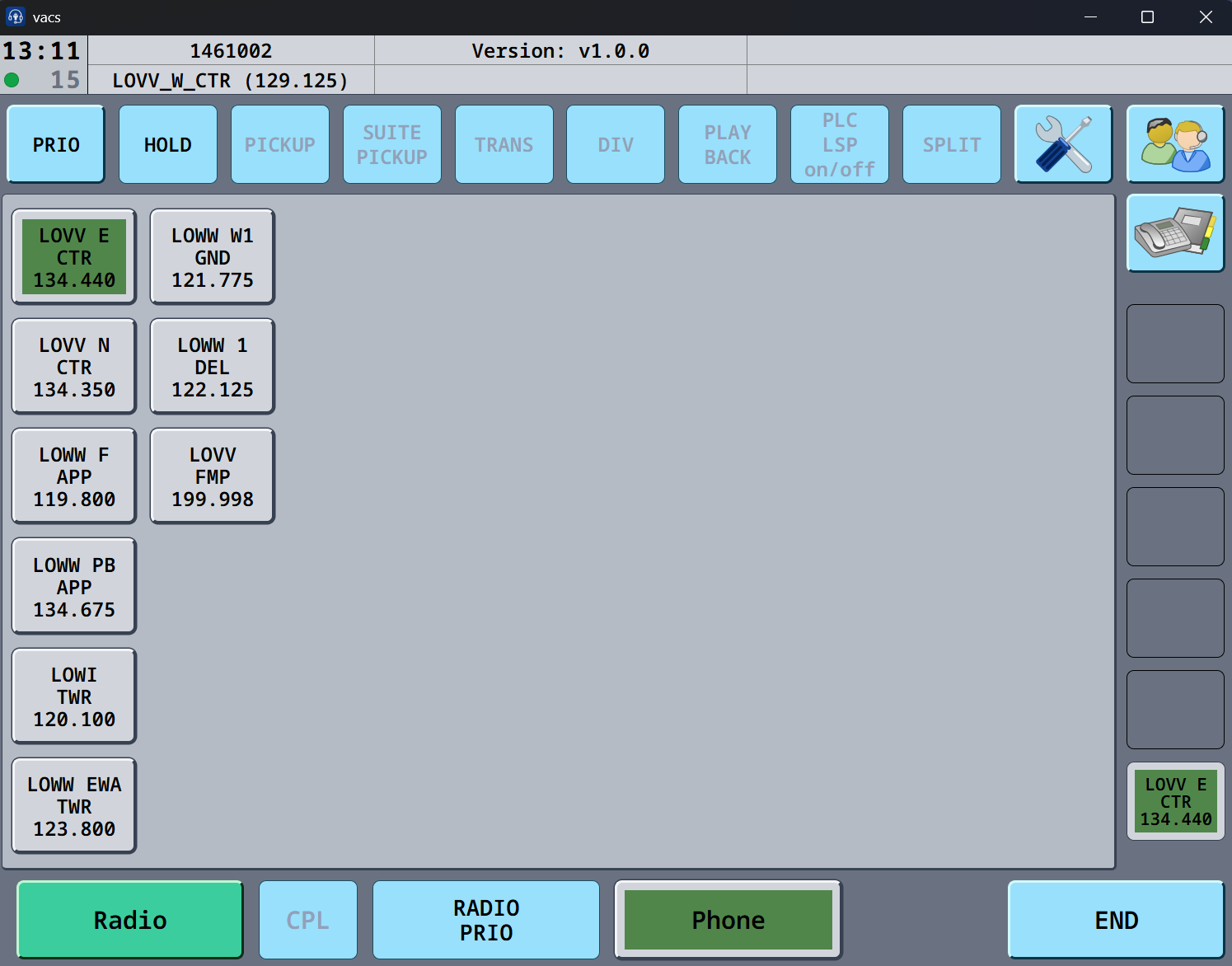
VACS COMMUNICATION TOOL
NEW COMMUNICATION TOOL
We are starting to use a new communication tool, for easier coordination. This will give a better way of getting in contact with the different controllers, needed for coordination. You can download it here :
Install it and setup your audio preferences by clicking on the AUDIO TAB
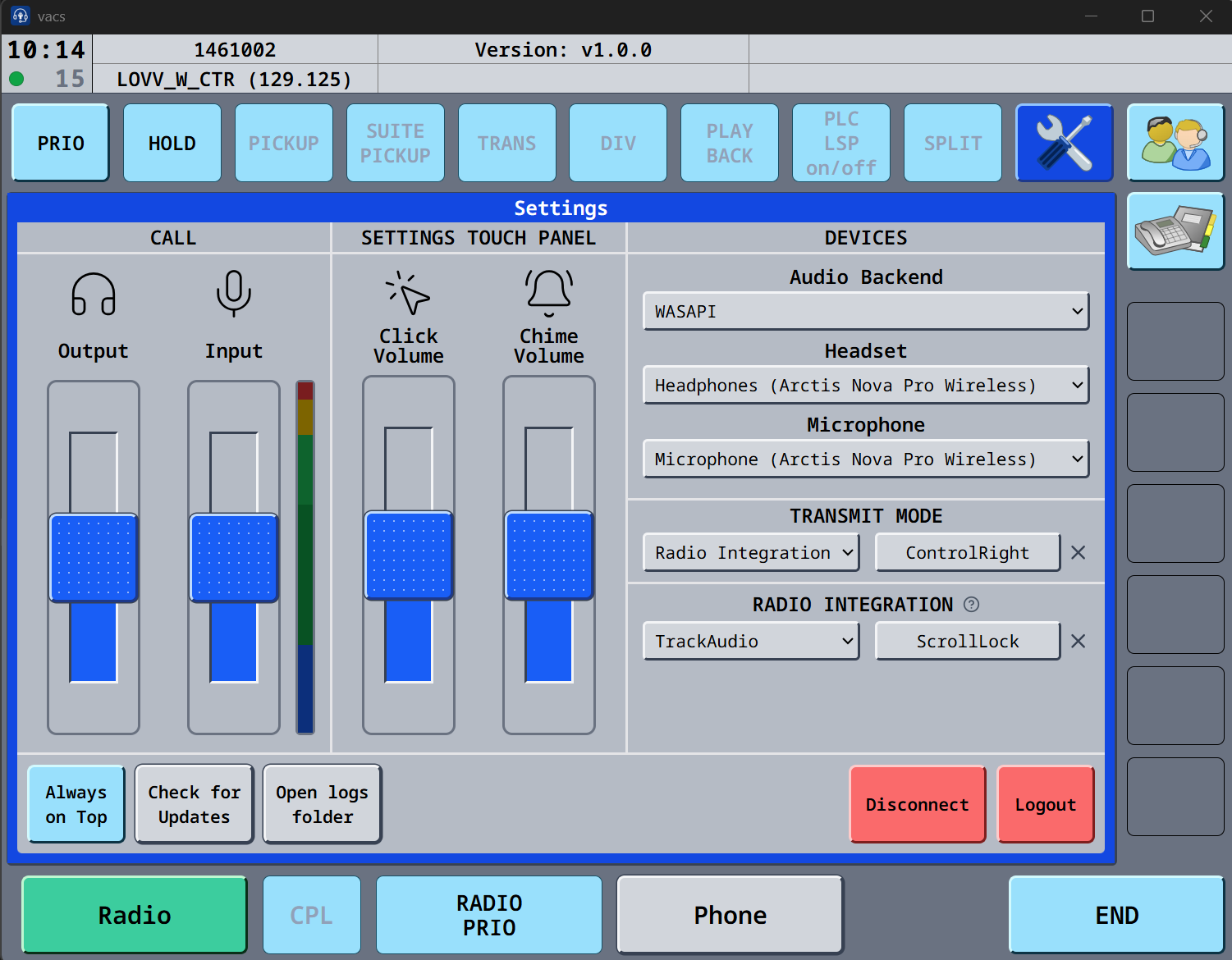
Once that is setup, you are almost ready.
We have created a STATIONS file, which is created to work best for EKDK controllers and surrounding controllers Download the file here :
CLICK SETUP, OPEN cONFIG – a Windows explorer will open, and just put the file here, overwrite the station file if one is present - and you are now ready to use the system.
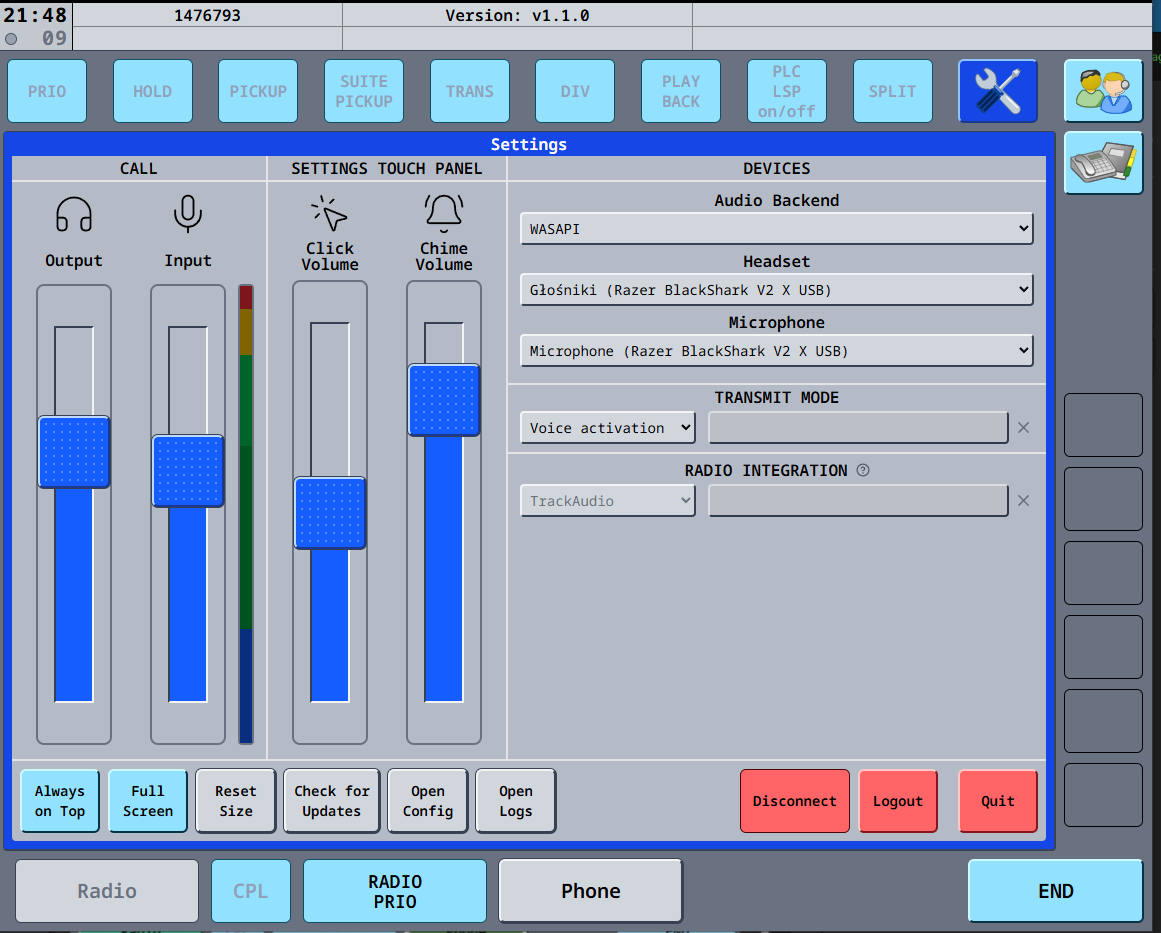
If a controller is online, and you are online, they will show up as a button, just click to call the controller.