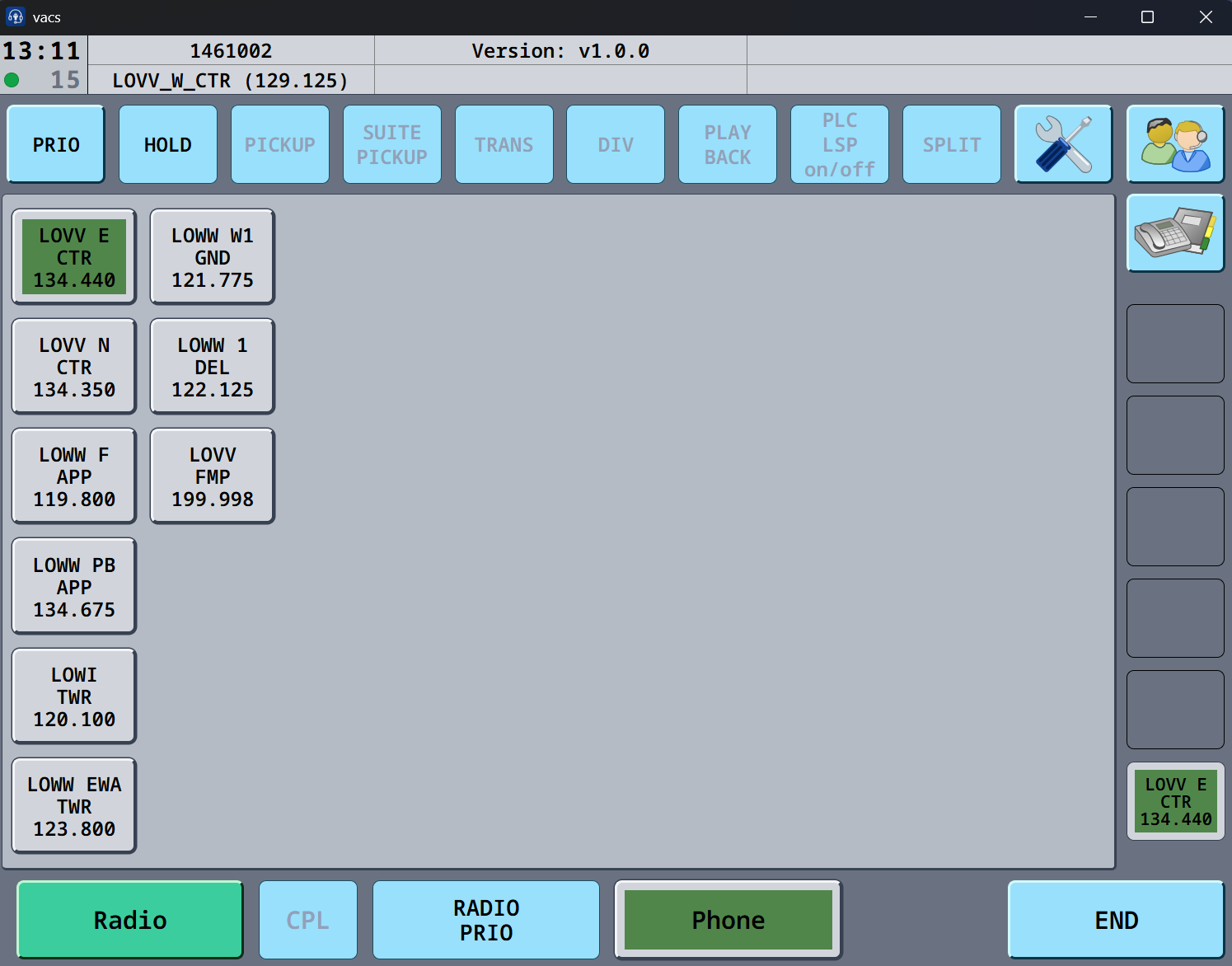
VACS
NEW COMMUNICATION TOOL
We are starting to use a new communication tool, for easier coordination.
This will give a better way of getting in contact with the different controllers, needed for coordination.
You can download it here :
Install it and setup your audio preferences by clicking on the SETTINGS
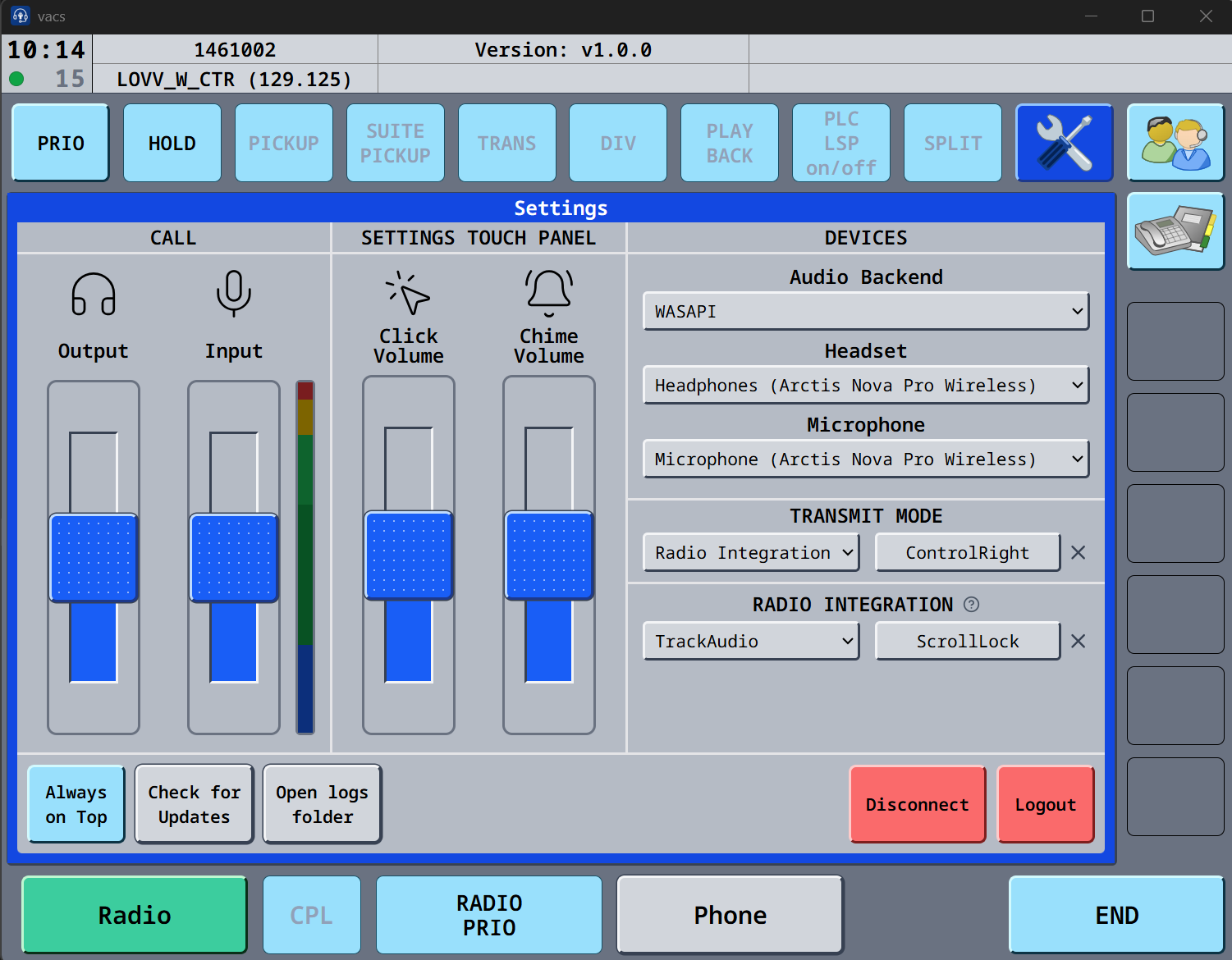
Once that is setup, you are almost ready. If you cannot see input on the VU Meter,impacts, click on the VU meter, and you can now see the input.
Under transmit mode, you can choose Push to mute, and use the button, as you are using in trackaudio, this way the mic in VACS will be muted if in a call.
We have created a STATIONS file, which isholds createdthe controllers you need to workcoordinate bestwith, fordepending EKDKon controllersyour andposition.
surrounding
Download the file here :
CLICK SETTINGS, OPEN CONFIG – a Windows explorer window will open, and just put the file here, overwrite the station file if one is presentpresent.
-
Restart the program, and if you go to profiles window, it should look like this.

5 profiles are now ready to use the system.
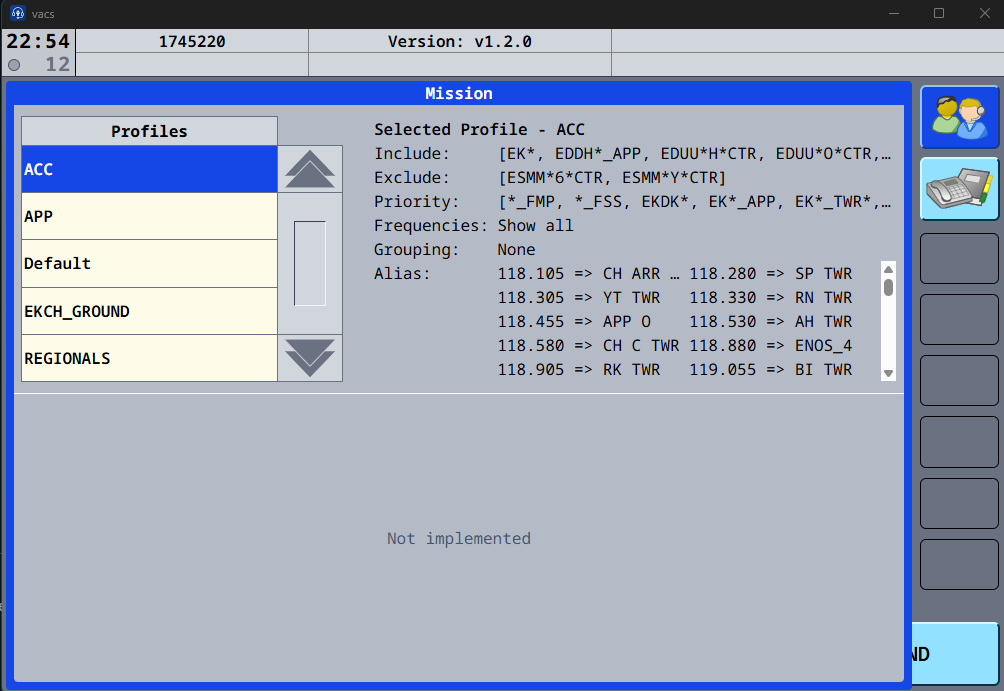
You should see 5 configs to select:availabe:
ACC, APP, EKCH_GND, REGIONALS and Default (the default is not to be used)
You should select one based on position you are sitting oneon
ForCTR, DEL,FMP GND, TWR selectUSE : EKCH-GND
For
APP, DEP, APP-CO use: APP
DEL, GND, TWR : APPEKCH-GND
CTR,
FMPRegional USEairports : ACC
If a controller is online, and you are online, they will show up as a button, just click to call the controller.