
VACS
VACS
We are starting to use a new communication tool, for easier coordination. This will give a better way of getting in contact with the different controllers, needed for coordination.
1. Download Instructions
DOWNLOAD VACS
2. Installation and Configuration
Install it and setup your audio preferences by clicking on the SETTINGS
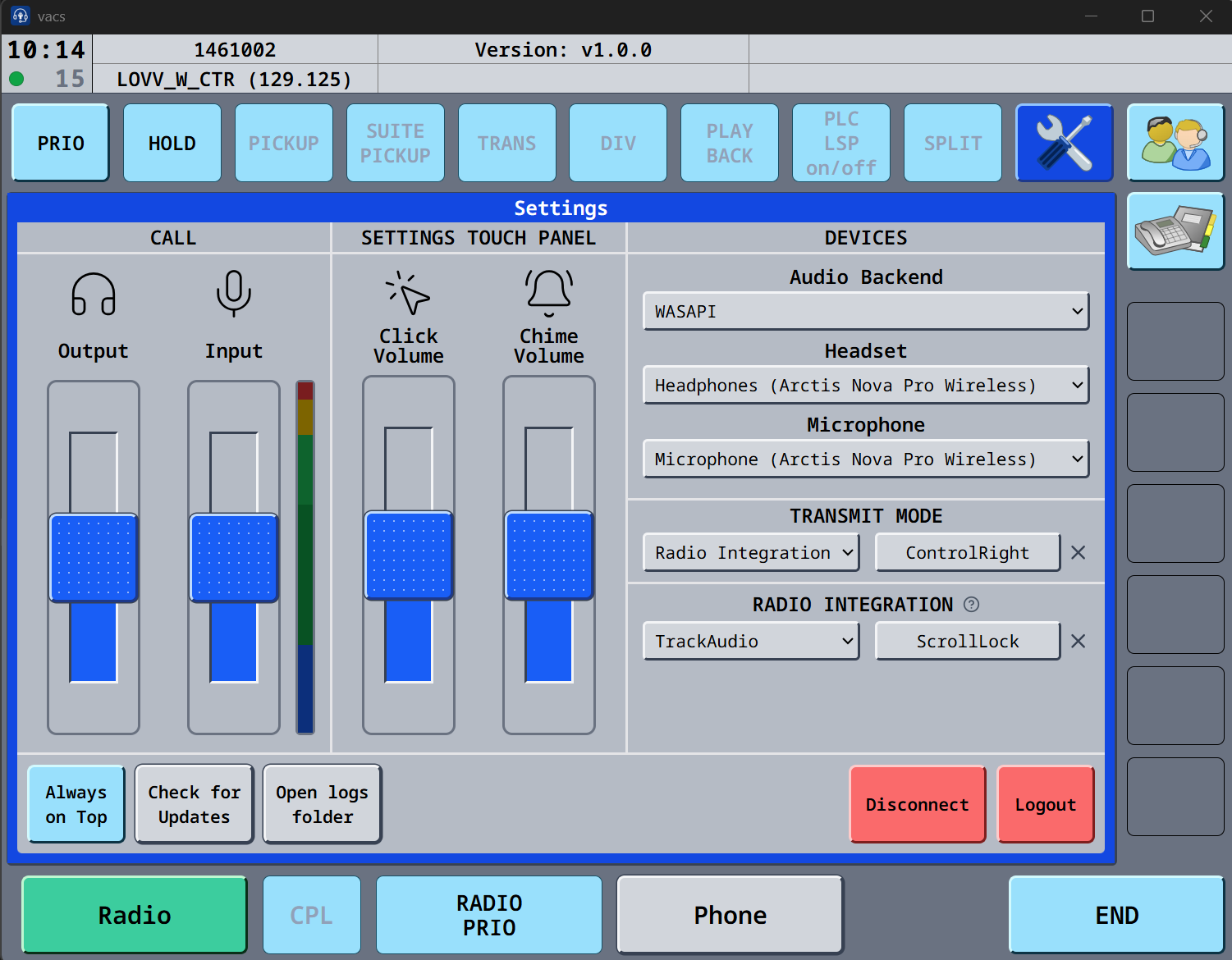
If you cannot see input impacts, click on the VU meter, and you can now see the input.
Under transmit mode, you can choose Push to mute, and use the button, as you are using in trackaudio, this way the mic in VACS will be muted if in a call.
We have created a STATIONS file, which holds the controllers you need to coordinate with, depending on your position.
Download the file here :
CONFIG
3. Profiles
- CLICK
SETTINGS,"SETTINGS" - CLICK "OPEN
CONFIGCONFIG" – a Windows explorer window will open, and just putthedownloaded configuration filehere,into that path, and overwrite any excisting one. - Drag that profile into the
stationVACSfileprogram to load it.
Clicking on the "double controller" ICON on the right side, opens the mission menu showing you the selectable profiles.
1_ACC: For EKDK_FMP + All EKDK units
2_APP: For all airborne EKCH units (including EKRK)
3_EKCH_GND: For all EKCH ground based controllers.
4_REGIONALS: For all TWR and APP positions of other airports in Copenhagen FIR.
You can restart the program if one is present.
Restart the program,needed, and if you go to profilesMission window, it should look like this.below.
2. Installation and Profiles

5
4. profiles are now availabe:
ACC, APP, EKCH_GND, REGIONALS and Default (the default is not to be used)Usage
You
should- select one based on positionIf you are sittingonline.
on
- If a qualifying follow controller is online.
- If both of you are VACS users
The position will appear in the window, eligible for calls.
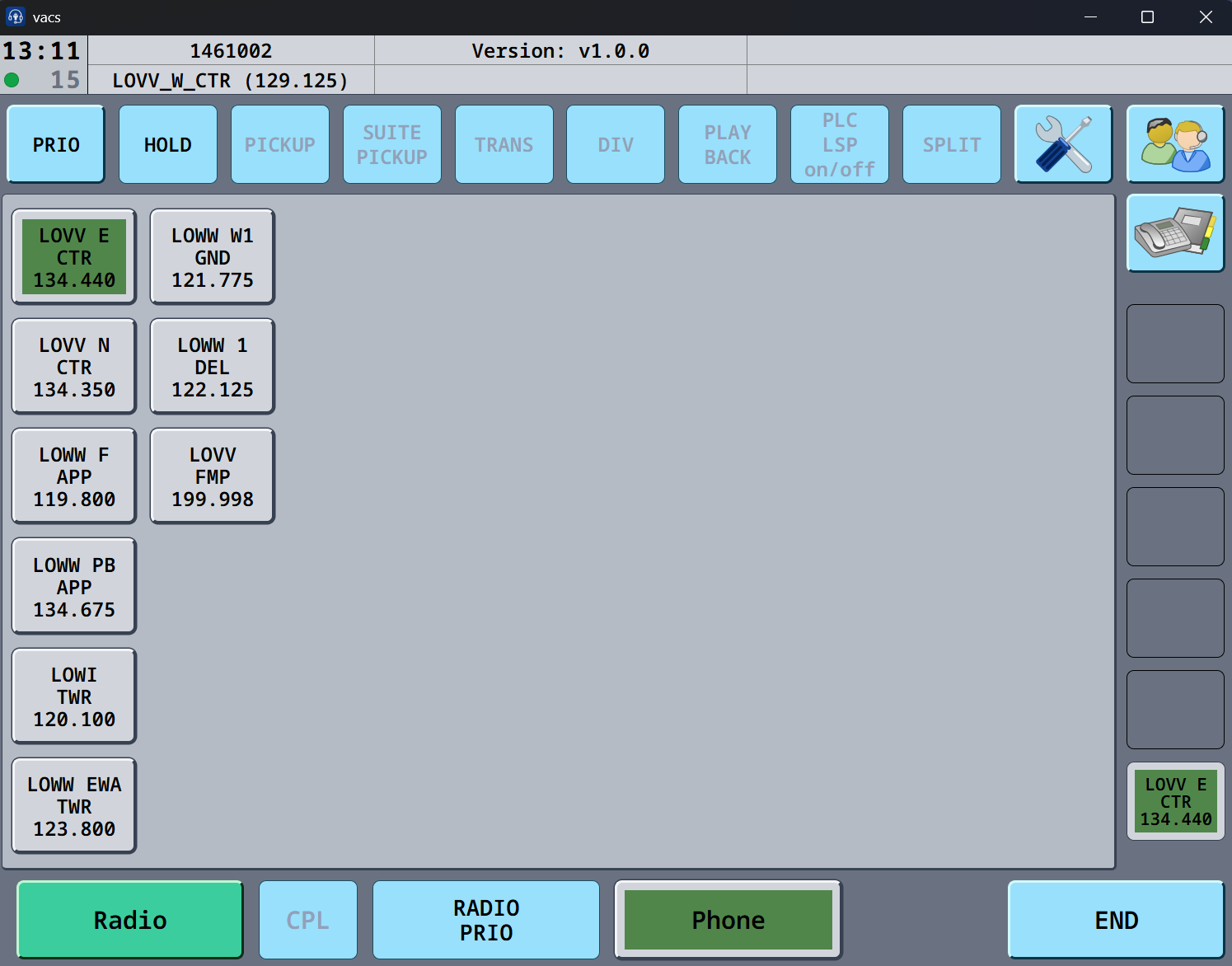
CTR,To FMPCall USEa controller : ACCClick
on APP,the DEP,icon APP-COof :the APPcontroller
you DEL,want GND,to TWRcall. :The EKCH-GNDopen
line Regionalappears airportsin :the REGIONALSbottom right corner in green, and a call tone appear until the VACS line is picked up.
To Ifanswer a controllercall: isThe online,green andicon youin arethe online,bottom theyright, will showappear upsignifying asthe acontroller button, just clicktrying to call you. Press that bottom right icon, to answer the controller.call.
to finish a call: Click the green icon in the bottom right corner. The icon will disappear, and all icons turn gray, signifying no active call is ongoing.
