
Sectorfile Download & Setup
This guide details how to install the the Reykjavik FIR Sectorfile necessary to control (Iceland, Greenland, and the Faroe Islands) on VATSIM.
If you have any questions, please contact the current Sectorfile Developer for the Reykjavik FIR.
UPDATE 4/10/2025: The standard method of installing the sector file has changed from using Euroscope's download system to downloading from the Aeronav GNG website.
Download isthe dueReykjavik FIR (BIRD) Sector File from GNG
- Go to
Aeronavhttps://files.aero-nav.com/BIRD - Log
switchinto Navigraph and resulting changes to its authentication system.You now need to login tousing yourVATSIMNavigraphaccount,Account
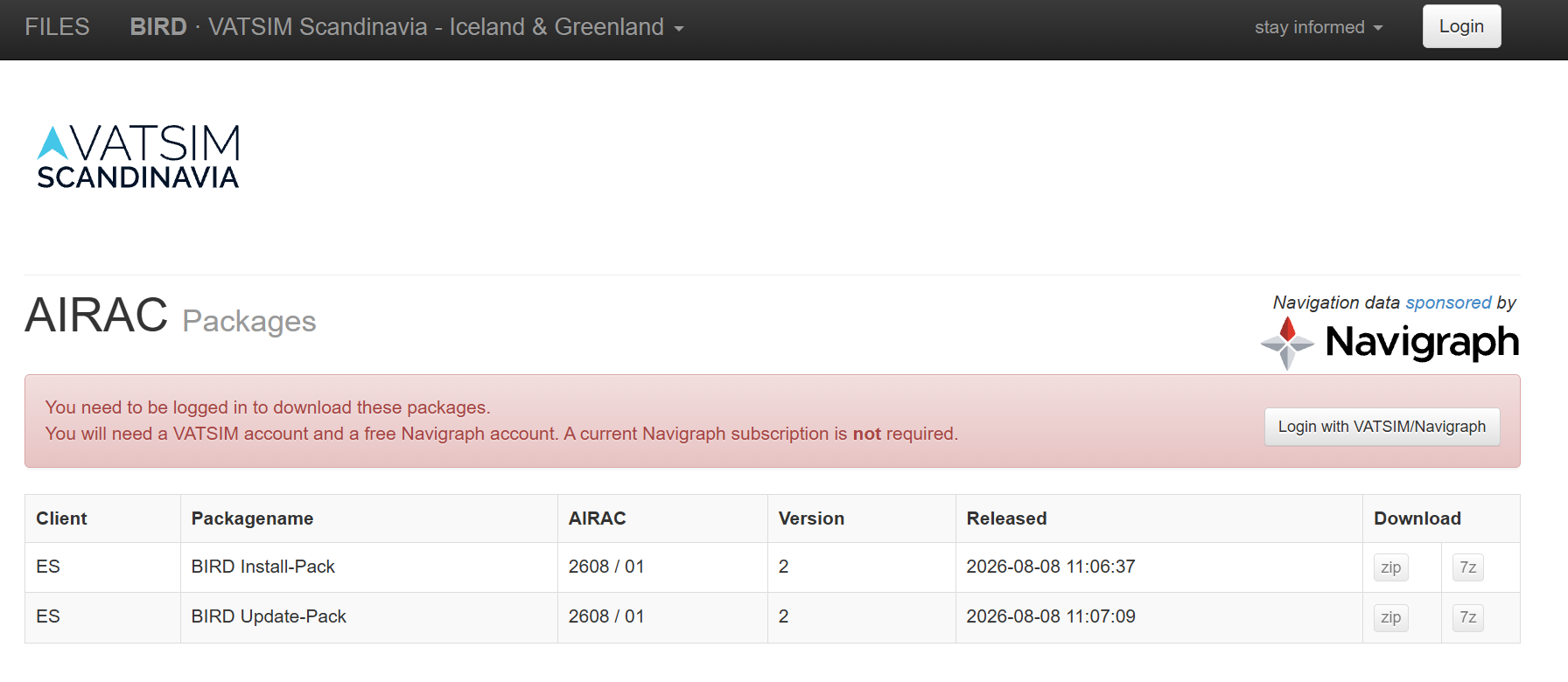
- Download both packages, choosing either ZIP or 7Z:
- BIRD Install-Pack
- BIRD Update-Pack
Install the Sector File Manually
- Choose (
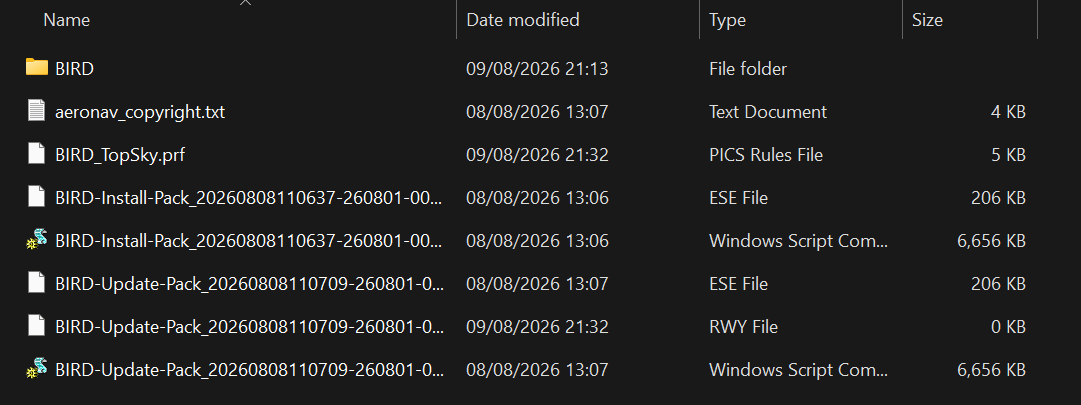
ifor create) a folder on your PC where youdon't already have one),want todownloadkeep the BIRD sectorfile.fileA—paidpickNavigraphsomewheresubscriptionyou'll remember, since this isNOTthe folder you'll point EuroScope to when loading your profile (e.g.Documents\EuroScope\BIRD) - Unzip the BIRD Install-Pack into that folder first — this is your base installation
- Unzip the BIRD
required.Update-Pack into the same folder, replacing/overwriting any files it conflicts with — this applies the latest AIRAC data on top of the base install
Load the BIRD Profile in EuroScope
- Launch EuroScope
- Use File → Open Profile (or the equivalent prompt on first launch) and browse to the folder from Step 5
- Select the BIRD profile file (
.prf) in that folder
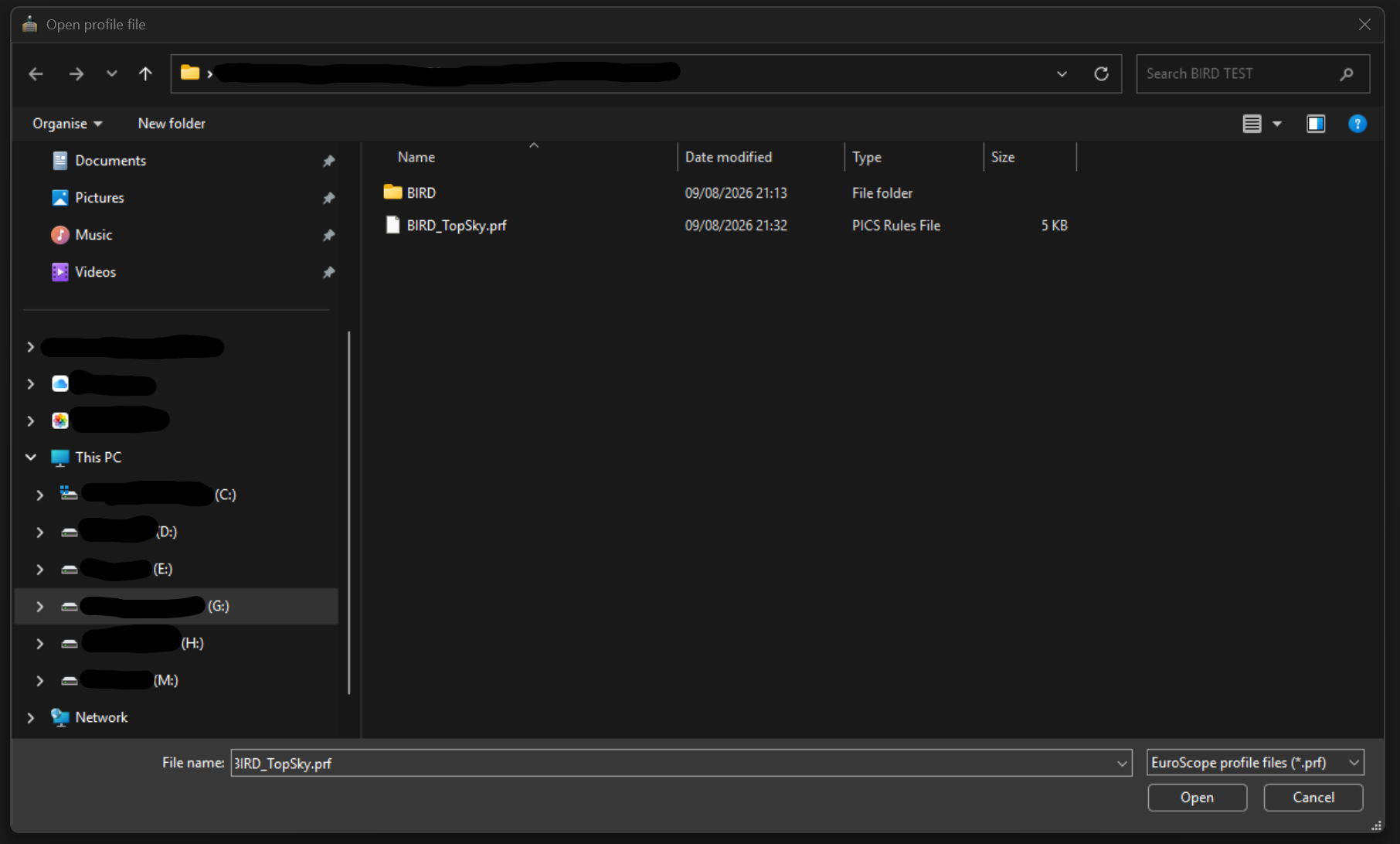
Confirm you see a blue/green/grey radar display of Reykjavik CTA airspace — this means installation was successful